

Guides
How to Add a QR Code to a Research Poster (Size, Placement and What to Link To)

How to Add a QR Code to a Research Poster (Size, Placement and What to Link To)
A QR code lets visitors take your poster home with them, without you printing a stack of handouts. This guide is for anyone adding one to a conference poster. It covers the size, placement, link and checks that make the code work.
Quick answer
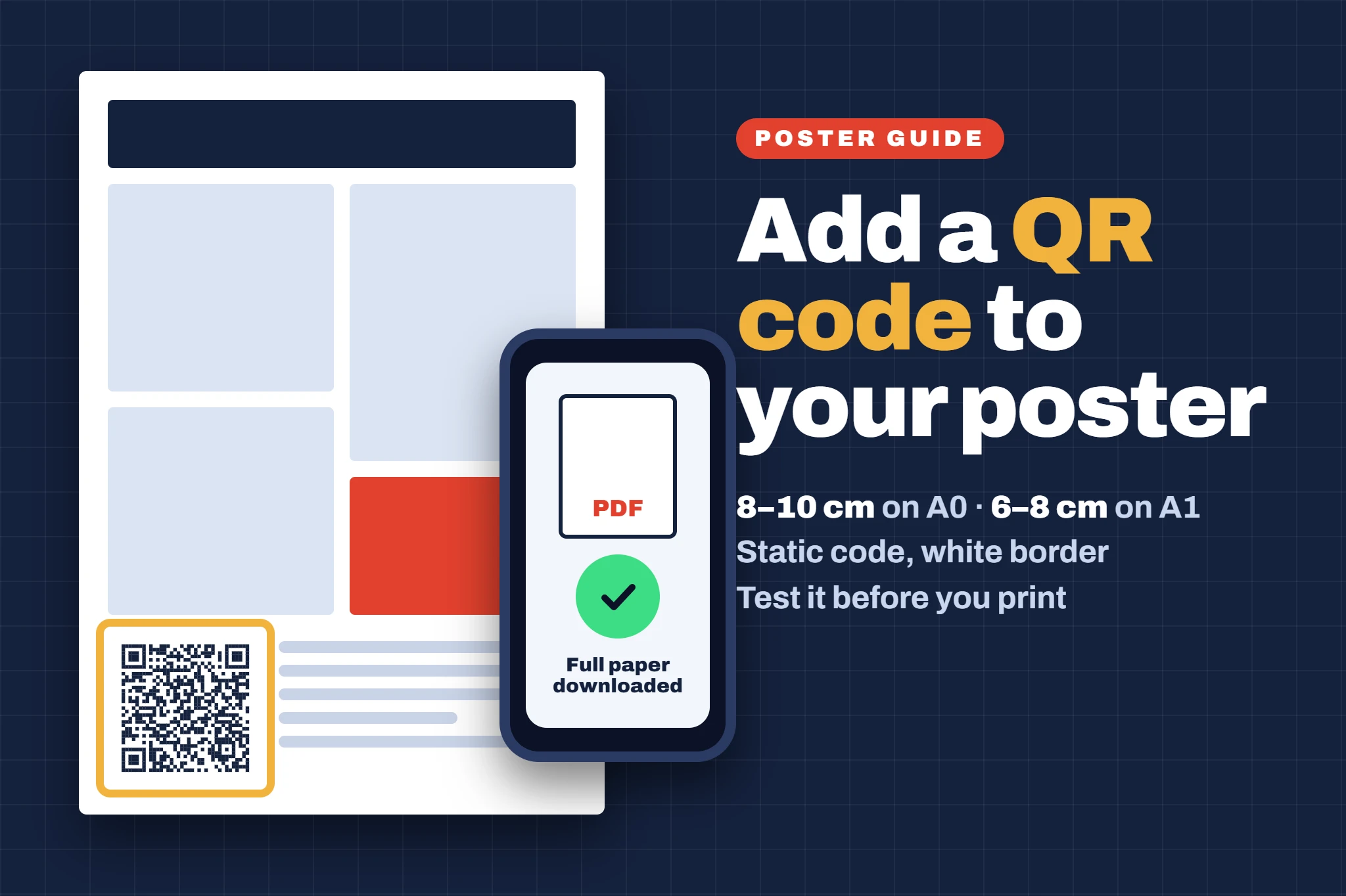
Make the QR code about 8–10 cm square on an A0 poster (6–8 cm on A1) and put it in the bottom right corner or next to your conclusions, with a clear white border and a short label such as “Scan for the full paper”. Link it to a page that will not move, such as a PDF of your poster on your university repository, OSF or Zenodo. Use a static QR code so it never expires, and test it from a printed copy before you send the poster to print.
At a glance
- 8–10 cmsquare on A0, 6–8 cm on A1
- 10×its width: roughly how far it scans from
- 2 cmat least, in from the edge
- Staticcode, so it never expires
- 2 phonesto test a printed copy
01 / 11What should the QR code link to?
Link to something that stays at the same address for years, not just for the conference week. Good choices:
- A PDF of your poster on your university repository, OSF or Zenodo. Both can give your work a DOI, so the link can be cited. Zenodo registers one automatically when you publish a record.
- Your published paper or preprint, if the poster is based on one.
- Your lab, project or staff profile page, with the poster PDF and your contact details on it.
- Supplementary material: full methods, extra figures, a data set or a short video.
Cloud storage links. Avoid linking to a file in Google Drive, OneDrive or Dropbox unless you have set sharing to “anyone with the link”. Otherwise people see a request-access screen. Keep the linked file small (a PDF under about 5 MB), because conference Wi-Fi is often slow.
02 / 11What size should a QR code be on a poster?
A common rule of thumb is that a QR code can be scanned from about 10 times its own width. People usually scan from about a metre away, so a code that looks big on screen is about right on the board. Anything smaller than 3 cm is risky.
| Poster size | QR code size | Scans from about |
|---|---|---|
| A0 (84.1 × 118.9 cm) | 8–10 cm square | 80 cm–1 m |
| A1 (59.4 × 84.1 cm) | 6–8 cm square | 60–80 cm |
| A2 and smaller | 5 cm square | 50 cm |
| A4 handout | 2–2.5 cm square | Held in the hand |
Longer web addresses make denser codes with smaller squares, which are harder to scan. If your link is long, use your repository’s short link or DOI rather than the full address.
03 / 11Where should the QR code go?
- Next to references and acknowledgements, where people finish reading
- At least 2 cm in from the edge (yellow line)
- With a short label, such as “Scan for the full paper”
- Bottom right corner is the most common spot, next to references and acknowledgements, where people look when they have finished reading.
- Beside your conclusions works well if the code links to the full paper.
- Not right at the edge. Keep it at least 2 cm in, because pins, frames and neighbouring posters can cover it.
- At a comfortable height. A code at knee height on a tall board is awkward to scan, so the top or middle of the bottom section is better than the very bottom.
For where everything else goes, see what to include on a research poster.
04 / 11Choose the final link first
Upload your poster PDF or supporting files, then copy the final address. Changing the link after printing means reprinting the poster.
05 / 11Use a static QR code
A static code stores your web address directly, so it works for as long as the page exists. Many free QR websites make dynamic codes instead, which send people through the provider’s own link. Those can stop working when a free trial ends.
Asked to sign up? If a generator asks you to sign up or start a trial, look for a “static” option or use a different one.
06 / 11Export it as a vector or high-resolution image
Download the code as SVG or PDF if you can, so it stays sharp at any size. If you only have a PNG, make it at least 1,000 pixels wide. Never stretch a small screenshot of a QR code. Our poster DPI guide explains why.
07 / 11Keep it dark on light, with a white border
Use black or a very dark colour on a white or very light background. Light codes on dark backgrounds do not scan on every phone.
- Quiet zone: leave a clear margin at least 4 of the code’s small squares wide on every side. That is the margin the QR code standard sets, and it is roughly 1 cm on an 8 cm code.
- Logo in the middle? Choose the highest error correction setting (level H) and keep the logo small.
08 / 11Add a label and a backup link
Tell people what they get:
- PaperScan for the full paper
- ExtrasScan for references and extra figures
- PosterScan to download this poster
Print a short web address underneath, so people can still find it if their phone will not scan.
09 / 11Test it from a printed copy
Print the corner with the QR code at 100% (actual size) on A4, then scan it with at least two phones, ideally an iPhone and an Android, from about a metre away. Check that the page opens without a login. Then go through the rest of our academic poster checklist before you send the PDF.
10 / 11Do you still need handouts?
Usually not many. A QR code covers most visitors, but a few A4 copies are still handy for people whose phones will not scan, and for judges who want to make notes. Our guide on how to present a poster at a conference covers what else to bring on the day.
11 / 11Common QR code mistakes, then print
- A code smaller than 3 cm, or squeezed right into the corner
- A free dynamic code that stops working after the trial ends
- A link to a file that needs a login or access request
- A pale code on a dark or busy background
- No label, so people do not know what scanning will give them
- Not testing it from a printed copy
Upload your PDF and choose satin or matte paper: A0 poster printing is £34.99 and A1 poster printing is £29.99.
Orders paid for before 12PM, Monday to Friday, are printed the same day. Then choose your delivery:
| Standard | Free · 2–3 working days |
| Royal Mail Tracked 24 & Signed | £6.99 · usually 1–2 working days |
| DPD Next Day | £9.99 · next working day |
| Royal Mail Special Delivery | £12.99 · next working day by 1PM |
Frequently asked questions
How big should a QR code be on an A0 poster?
Make it 8–10 cm square. That scans from about a metre away, which is where most people stand when they read a poster.
Where should I put the QR code on my poster?
The bottom right corner, next to your references, or beside your conclusions. Keep it at least 2 cm from the edge so pins or frames do not cover it.
What should my poster QR code link to?
A page that will not move, such as a PDF of your poster on your university repository, OSF or Zenodo, your published paper, or your lab page.
Do free QR codes expire?
Static QR codes do not expire, because the link is stored in the code itself. Some free generators make dynamic codes that redirect through their own service, and those can stop working when a trial ends.
Can I put a logo in the middle of my QR code?
Yes, if you choose the highest error correction setting (level H) and keep the logo small. Always test the printed code with at least two phones.
Sources and further reading
- Points for generating a QR codeDENSO WAVE: four-module quiet zone
- Error correction featureDENSO WAVE: error correction levels L, M, Q and H
- About recordsZenodo Help: a DOI is registered when you publish
- How to present a poster at a conferenceOur guide to what to say and bring

One thought on “How to Add a QR Code to a Research Poster (Size, Placement and What to Link To)”