

Guides
Landscape vs Portrait Poster: Which Orientation Should You Use?

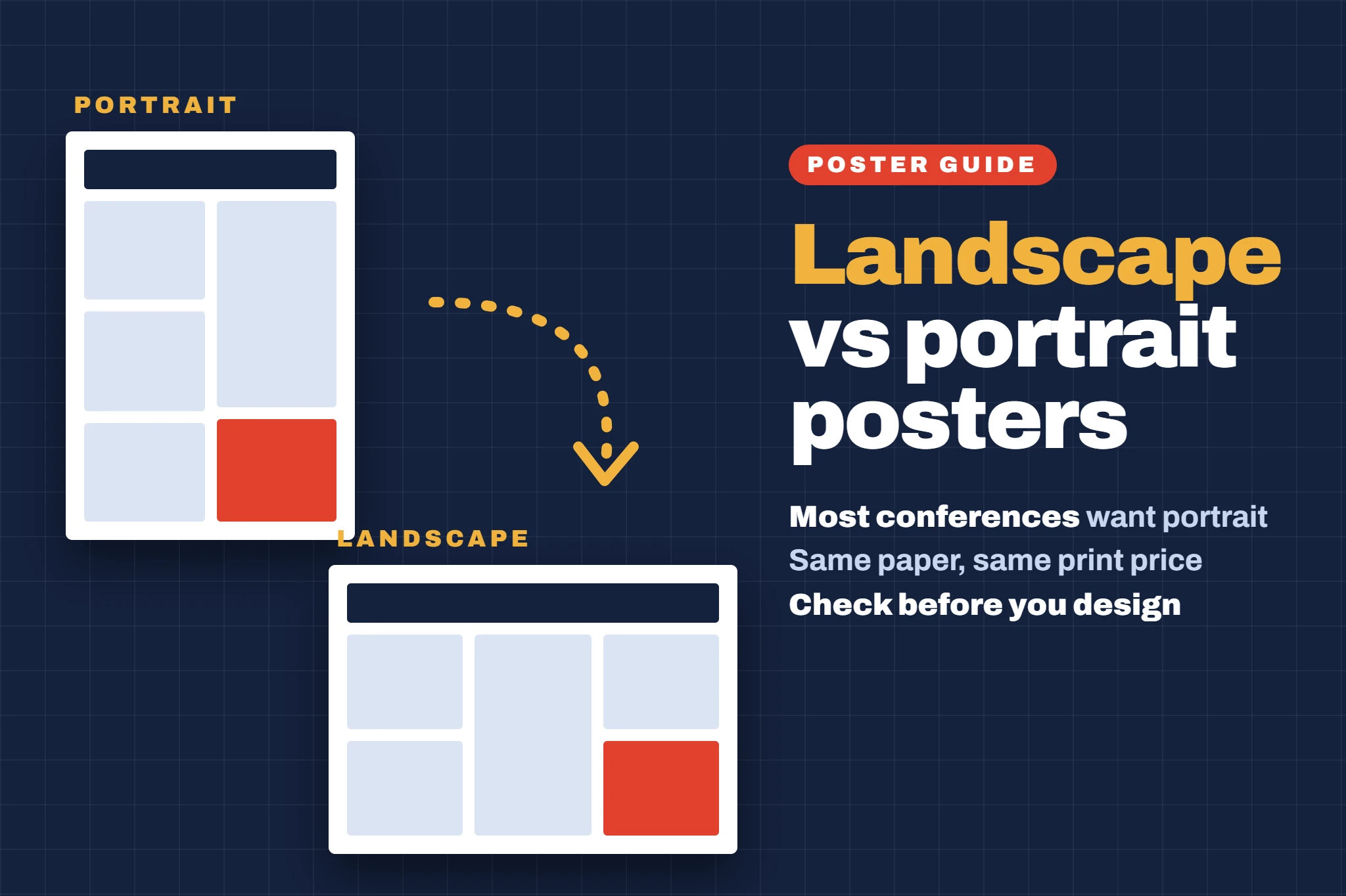
Landscape vs Portrait Poster: Which Orientation Should You Use?
Portrait and landscape posters use exactly the same paper size: a landscape A0 is simply an A0 turned on its side. What changes is how much width and height you have, how many columns fit, and whether the poster fits the board you are given. This guide covers the sizes, what UK conferences ask for and how to set up each orientation.
Quick answer
Use portrait unless your conference asks for landscape. Most UK conferences ask for portrait A0 (841 × 1189 mm), and a portrait poster fits the usual tall poster board. Choose landscape only when the guidelines ask for it, or when your board is wider than it is tall. Always check before you start designing, because changing orientation later means rebuilding the layout.
Key facts
- Portraittaller than wide · most UK conferences
- Landscapewider than tall · only when asked
- A0841 × 1189 mm portrait, 1189 × 841 mm landscape
- Columns2–3 portrait, 3–4 landscape
- Pricethe same either way
01 / 08What is the difference between a portrait and a landscape poster?
A portrait poster is taller than it is wide. A landscape poster is wider than it is tall. The area is the same, so a landscape A0 holds the same amount of content as a portrait A0.
| Size | Portrait (w × h) | Landscape (w × h) |
|---|---|---|
| A0 | 841 × 1189 mm | 1189 × 841 mm |
| A1 | 594 × 841 mm | 841 × 594 mm |
| A2 | 420 × 594 mm | 594 × 420 mm |
02 / 08Which orientation do UK conferences ask for?
Mostly portrait. In our check of what 18 UK conferences ask for:
- PortraitMost wanted portrait A0, and some, such as IBMS Congress and BMUS, said portrait only.
- LandscapeThree asked for landscape: the British Thoracic Society Winter Meeting, the BERA Conference and the BSA Annual Conference.
- EitherOne (BAAP) accepted either orientation for A1 posters.
Only given a board size? Compare the width and height: a board that is taller than it is wide needs a portrait poster. Rules change from year to year, so always read your own conference’s presenter guidelines.
03 / 08Portrait vs landscape: pros and cons
| Portrait | Landscape | |
|---|---|---|
| Fits standard boards | Yes, most boards are tall | Only if the board is wide enough |
| Columns | 2–3 columns | 3–4 columns |
| Reading flow | Top to bottom, then across | Left to right, like a page spread |
| Wide charts and timelines | Harder to fit | Easier to fit |
| Text at the bottom | Can end up at knee height | Stays nearer eye level |
| Typical use | Most academic and medical conferences | Some conferences, wide boards, exhibitions |
04 / 08How to lay out each orientation
PORTRAIT LAYOUTTall, 2–3 columns
- Use 2 columns on A1 and 2–3 columns on A0.
- Put the title, authors and logos across the top, and your key result or take-home message high up where people can read it standing.
- Keep references, acknowledgements and your QR code in a narrow strip at the bottom.
LANDSCAPE LAYOUTWide, 3–4 columns
- Use 3–4 columns, so lines of text do not get too long to read.
- Run the title across the full width, and read left to right: background and methods on the left, results in the middle, conclusions on the right.
- Use the extra width for wide charts, timelines and flow diagrams.
Font sizes are the same for both: see our academic poster font size guide, and what to include on a research poster for the sections.
05 / 08How to set up a landscape or portrait poster
- PowerPoint: Design > Slide Size > Custom Slide Size. Type the width and height from the table above, or pick Portrait or Landscape under Orientation. Do this before you add anything. Our guide to making an A1 poster in PowerPoint walks through it.
- Google Slides: File > Page setup > Custom, then enter the width and height in centimetres. See making a poster in Google Slides.
- Canva: create a design with a custom size in millimetres, such as 1189 × 841 mm for landscape A0. See making a poster in Canva.
Save time: our free academic poster templates are already set to the exact A0 and A1 sizes, so you can start from the right page.
06 / 08Can I change a portrait poster to landscape?
Not by simply rotating it. Turning a finished portrait poster on its side leaves all the text sideways, and switching the slide orientation squashes or crops your layout. You will need to rebuild the layout in the new shape, so check the conference guidelines before you start designing.
07 / 08Common orientation mistakes
- Designing before you have checked the conference guidelines
- Rotating a portrait design to make it landscape
- Using only 2 very wide columns on a landscape poster
- Putting key results at the bottom of a tall portrait poster
- A PDF whose page is the wrong way round for the design
08 / 08Does orientation change the printing price?
No. A landscape A0 and a portrait A0 use the same paper, so they cost the same to print. Upload your PDF in the orientation you designed it, and it is printed exactly as it appears. A0 poster printing is £34.99 and A1 poster printing is £29.99, both with free UK delivery.
Orders paid for before 12PM, Monday to Friday, are printed the same day. Then choose your delivery:
| Standard | Free · 2–3 working days |
| Royal Mail Tracked 24 & Signed | £6.99 · usually 1–2 working days |
| DPD Next Day | £9.99 · next working day |
| Royal Mail Special Delivery | £12.99 · next working day by 1PM |
Frequently asked questions
Should a research poster be portrait or landscape?
Portrait, unless your conference asks for landscape. Most UK conferences ask for portrait A0, and portrait posters fit the usual tall poster boards.
What size is a landscape A0 poster?
1189 mm wide × 841 mm high (118.9 × 84.1 cm). It is the same paper as a portrait A0, turned on its side.
How many columns should a landscape poster have?
Three or four. More columns keep lines of text short and easy to read across the extra width.
Does a landscape poster cost more to print?
No. Portrait and landscape posters of the same size use the same paper and cost the same to print.
Sources and further reading
- International standard paper sizes (ISO 216)Markus Kuhn, University of Cambridge
- Poster presentation guidelines, BSA Annual ConferenceBritish Sociological Association (PDF): A1 landscape
- Poster guidelines, EST 2025 congressUniversity of Leeds (PDF): A0 portrait, or A1 either way
- Change the size of your PowerPoint slidesMicrosoft Support
- UK conference poster sizes: what 18 conferences ask forOur guide, with links to each conference’s own rules

One thought on “Landscape vs Portrait Poster: Which Orientation Should You Use?”