

Guides
The SMART Online Safety Rules Explained for Pupils

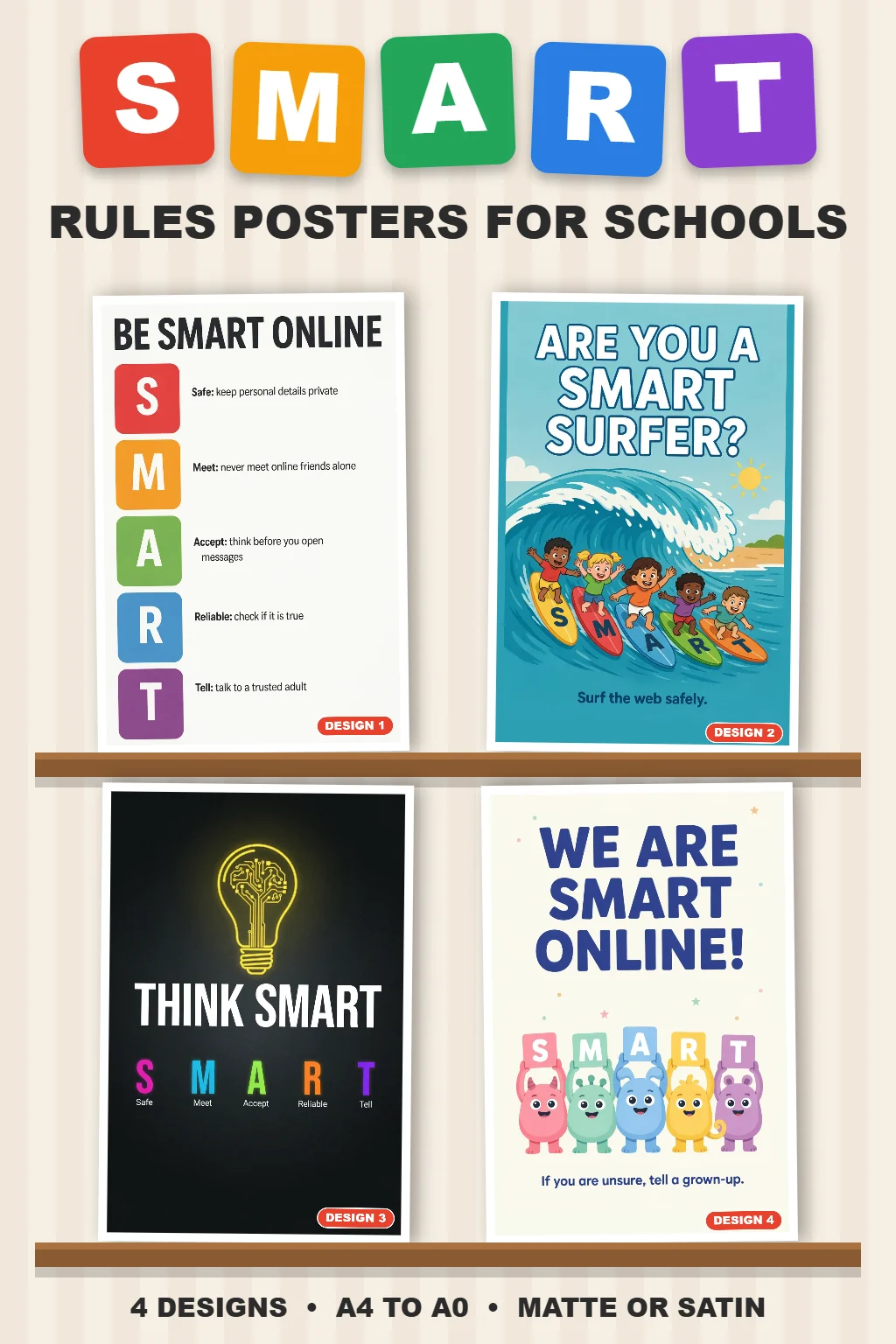
Quick answer: The SMART rules are five simple online safety rules created by Childnet for children: Safe, Meet, Accepting, Reliable and Tell. They teach pupils to keep personal information private, be careful with people they only know online, avoid requests from strangers, question what they see, and tell a trusted adult if anything worries them.
The SMART rules are used in thousands of UK primary schools because they are short, memorable and easy to repeat. This guide explains each rule in plain language, gives a classroom example for each, and suggests where to display them so pupils see them when they are online.
The five SMART rules
These are Childnet’s own wording (Childnet SMART rules):
| Letter | Rule |
|---|---|
| S – Safe | Keep your own and others’ personal information safe and don’t share it with people you only know online. |
| M – Meet | Be careful with people you only know online. |
| A – Accepting | It’s safest not to accept friend, message or trade requests from people you don’t know. |
| R – Reliable | Not everything you see online can be trusted. |
| T – Tell | If anything or anyone online makes you feel upset, worried or confused, tell a trusted adult. |
Each rule explained, with a classroom example
S is for Safe
Personal information includes your full name, address, school, phone number, passwords and photos that show where you live or go to school. Example: ask pupils to sort a list of details into “OK to share” and “keep private”, then discuss why a school uniform in a photo can give away more than they think.
M is for Meet
People online are not always who they say they are. Example: discuss why a friendly gamer who asks to move to a private chat should be treated with care, and why you never arrange to meet someone you only know online without a trusted adult.
A is for Accepting
Friend requests, messages, links and in-game trades from strangers can lead to scams or unkind contact. Example: show a made-up friend request and ask pupils what clues suggest they should not accept it.
R is for Reliable
Pictures can be edited, videos can be fake and anyone can write a website. Example: compare two “facts” about the same topic and ask pupils how they could check which is true.
T is for Tell
This is the most important rule. Pupils should know it is never too late to tell, and that they will not be in trouble for doing so. Example: ask each pupil to name two trusted adults, one at home and one at school.
Teaching tips
- Repeat often: refer back to the rules whenever pupils use devices, not only in online safety lessons.
- Use them on Safer Internet Day: the UK Safer Internet Centre has free resources for 3–11 year olds that fit alongside the SMART rules (UK Safer Internet Centre).
- Involve families: send the five rules home so parents use the same words.
- Link to “Tell”: make sure your reporting process is clear and pupils know exactly who to go to.
Where to display SMART rules posters
- ICT suites and computer rooms: A2 or A1 on the wall pupils face while they work.
- Classrooms with laptops or tablets: A3 near the charging trolley or device storage.
- Libraries: A3 or A2 beside shared computers.
- Corridors and entrance halls: A1 or A0 for whole-school reminders.
Our SMART Rules poster shows all five rules in a bright, child-friendly design, printed in A4 to A0 with free UK delivery. See the full range of online and cyber safety posters for more designs, including our online safety poster for kids.
Frequently asked questions
What do the SMART rules stand for?
Safe, Meet, Accepting, Reliable and Tell. Together they cover keeping personal information private, being careful with people you only know online, not accepting requests from strangers, checking what you see online, and telling a trusted adult.
Who created the SMART rules?
The SMART rules were created by Childnet, a UK children’s internet safety charity, and are widely used in UK primary schools.
What age are the SMART rules for?
They are mainly used with primary school pupils, roughly ages 5 to 11, but the messages are useful for older pupils too.
Where should SMART rules posters go in a school?
Anywhere pupils use devices: ICT suites, classrooms with laptops or tablets, and the library. A larger poster in a corridor works as a whole-school reminder.
